Free for individuals
A stopped agent looks exactly like a thinking one.
LastPing alerts you when your AI agents fail, stall, need your approval or never start. Cron jobs and CI/CD too.
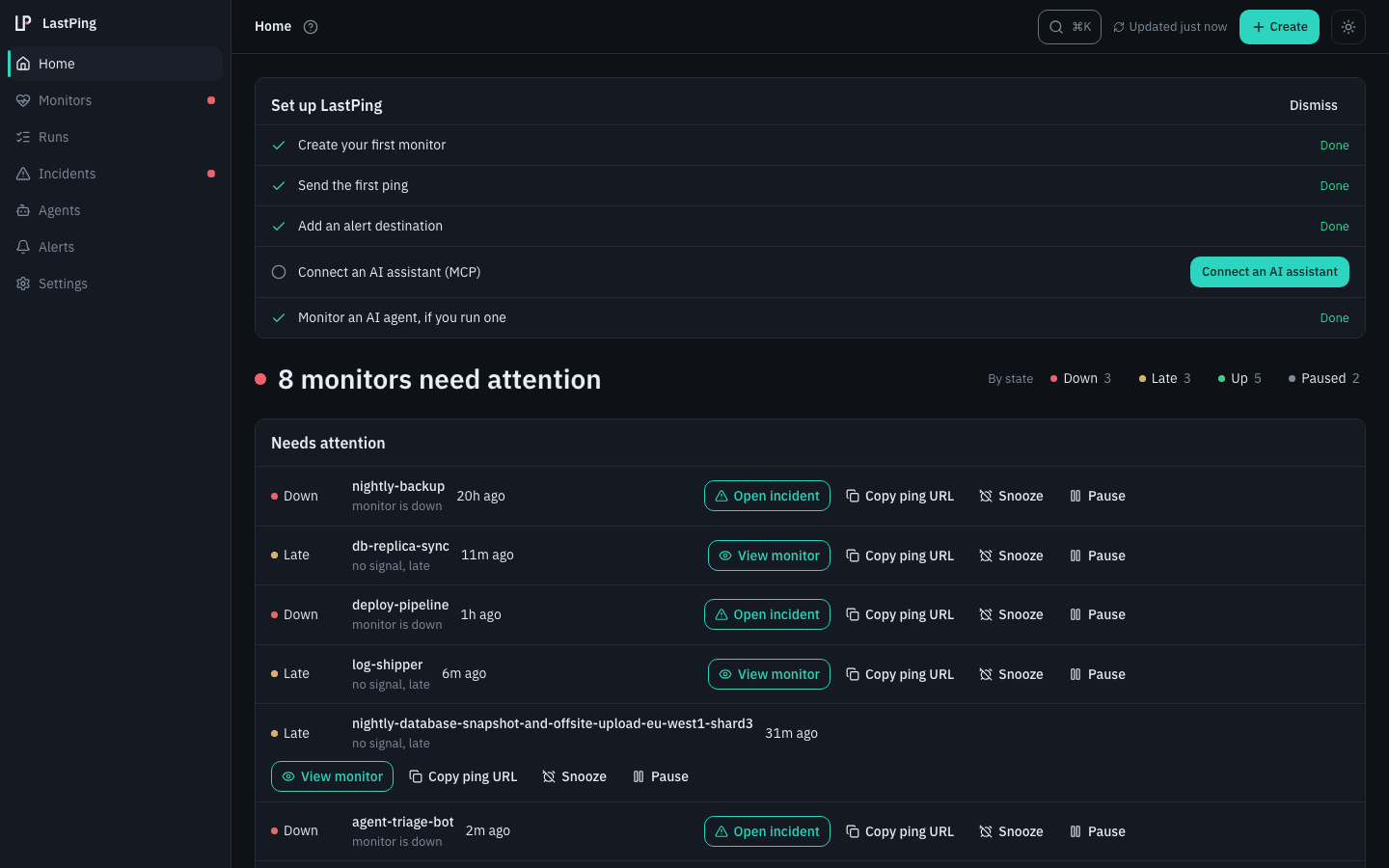
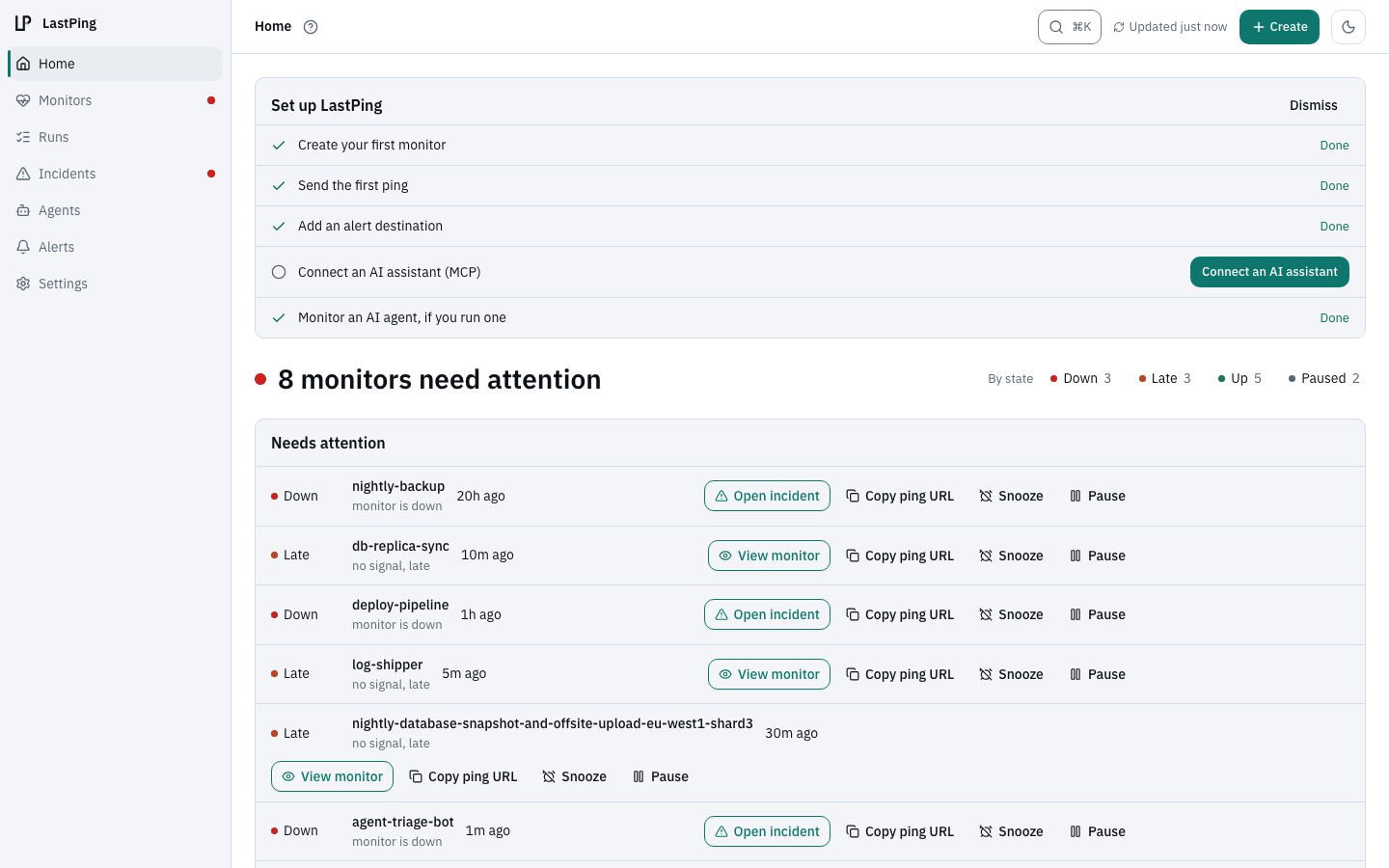
LastPing in 23 seconds
Transcript
- Trace every agent run, down to the last token.
- Your agents set up their own monitoring. MCP, Terraform, or the API.
- When a run fails, LastPing opens the incident.
- And the next run reads what broke, and writes it back.
- LastPing. Free for individuals.
What LastPing covers
Get started in 3 steps
-
Add the LastPing skill
npx skills add lastping-dev/skills -
Ask your assistant
Monitor this project with LastPing.
Or connect your MCP client to mcp.lastping.dev. -
Get an incident when something stops
By email out of the box, or in Slack, Discord and six more destinations.
No assistant? Ping one URL when your job finishes:
curl -fsS -m 10 --retry 3 https://ping.lastping.dev/<id>Works with what you run
LastPing runs on LastPing.
Its own ping ingest, API and MCP server are watched on a public status page. Incidents stay visible.
- 3 monitor types
- 9 alert destinations
- 50 MCP tools
- Free, no monitor cap
How LastPing compares
Questions
What is LastPing?
LastPing is AI agent monitoring: it alerts you when your AI agents fail, stall, wait for your approval or never start, and watches the cron jobs and CI/CD pipelines around them, with HTTP uptime checks alongside. Instead of polling your jobs, it waits for them to check in. If one goes silent (an agent run that stalled, a cron that never ran, a CI pipeline that hung), LastPing opens an incident and alerts you before your users notice.
Is LastPing free?
Yes. LastPing is free for individuals at app.lastping.dev, with no monitor cap and no feature gate. Sign up with Google, GitHub or email and start monitoring immediately. Everything runs on our infrastructure; no setup required. Follow the project at github.com/lastping-dev/lastping-app.
How do I get alerted when a job goes down?
Alerts fire automatically on the very first check you create. LastPing emails the account owner by default, with no routing to configure. You can add Slack, Discord, Telegram, ntfy, Pushover, Microsoft Teams, Google Chat or a signed outbound webhook and choose which events reach which channel per check.
Does LastPing support CI/CD pipelines and HTTP uptime?
Yes. LastPing supports three monitor types: heartbeat (cron/scheduled jobs that ping when they finish), CI/CD signals (signed webhooks from GitHub Actions, GitLab CI, Jenkins, zero YAML, deep-link to the run on alert), and HTTP/uptime probing (LastPing polls your URL on a schedule for status code, latency, and keyword presence).
How is LastPing different from Healthchecks.io?
Healthchecks.io is an excellent heartbeat monitor for cron jobs. LastPing covers cron jobs the same way (your job curls a ping URL) and additionally treats CI/CD pipelines as first-class monitors: one signed webhook from GitHub Actions, GitLab CI, or Jenkins, no curl step in every workflow, catching runs that fail, hang, or never start, with failure detail on the incident. LastPing is free for individuals with no monitor cap. Full comparison: lastping.dev/vs/healthchecks/
Start monitoring in minutes
Free for individuals. One URL to ping, or let your AI assistant set it up.